Introducing Floci: The Lightweight AWS Emulator Revolution
The Post-LocalStack Era
For years, LocalStack has been the gold standard for local AWS development. However, recent shifts in their community edition—requiring auth tokens and sunsetting certain free features—have left many developers searching for a truly open-source, "no strings attached" alternative.
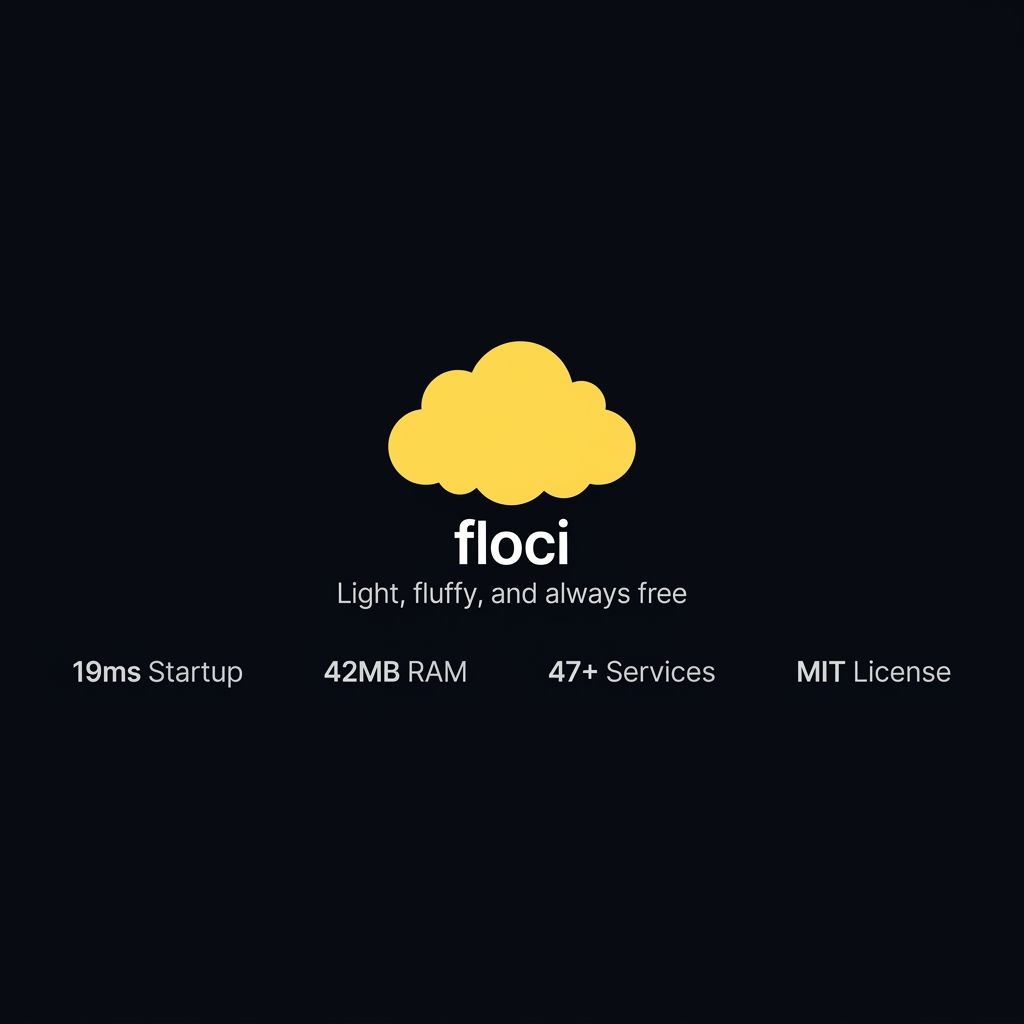
Enter Floci. Named after the floccus cloud formation (which looks like popcorn), Floci is a fresh, free, and open-source AWS emulator that prioritizes speed, simplicity, and zero-configuration. It’s not just a mock; it’s a high-performance emulation layer designed for the modern developer workflow.
Why Speed Matters (The 19ms Boot)
One of the most frustrating aspects of heavy local emulators is the wait time. Watching a container churn for 30 seconds just to test a simple S3 upload kills developer velocity.
Floci solves this by leveraging Quarkus and GraalVM. By compiling to a native executable, Floci achieves an incredible 19ms start time and consumes only 42 MiB of RAM at idle. This means you can spin it up and down as part of your test suite without adding any meaningful overhead to your CI/CD pipelines.
Supported Services & Real Docker Integration
Floci currently supports over 47 AWS services, including:
- Stateless: SQS, SNS, IAM, STS, KMS, Secrets Manager, and EventBridge.
- Stateful: S3 and DynamoDB (with DynamoDB Streams).
- Container-based: Lambda, RDS (Postgres/MySQL/MariaDB), and ElastiCache.
For heavy-duty services like RDS or Lambda, Floci doesn't just mock the API—it orchestrates real Docker containers (using AWS public ECR images) to ensure wire-compatible behavior. This "Real Docker Integration" ensures that if it works on Floci, it will work on the real AWS.
Getting Started with Docker Compose
Setting up Floci is as simple as adding a service to your docker-compose.yml. Unlike other tools, there are no feature gates or account requirements.
services:
  floci:
    image: floci/floci:latest
    ports:
      - "4566:4566"
    volumes:
      - /var/run/docker.sock:/var/run/docker.sock
      - ./data:/app/data
    environment:
      - FLOCI_DEFAULT_REGION=us-east-1
      - FLOCI_STORAGE_MODE=persistent
Once you run docker compose up, all services are available at http://localhost:4566.
SDK Integration & Sample Code
Connecting your application to Floci is straightforward. You simply need to override the endpoint URL in your AWS SDK configuration. Here’s an example using the AWS SDK for JavaScript (v3):
import { S3Client, PutObjectCommand } from "@aws-sdk/client-s3";

// Configure the client to point to Floci
const s3Client = new S3Client({
  endpoint: "http://localhost:4566",
  region: "us-east-1",
  credentials: {
    accessKeyId: "test",
    secretAccessKey: "test",
  },
  forcePathStyle: true, // Necessary for local S3 emulation
});

// Example: Uploading a file
const uploadFile = async () => {
  const command = new PutObjectCommand({
    Bucket: "my-local-bucket",
    Key: "hello.txt",
    Body: "Hello from Floci!",
  });

  try {
    await s3Client.send(command);
    console.log("Success: File uploaded to Floci!");
  } catch (err) {
    console.error("Error:", err);
  }
};
Persistence & Multi-Account Isolation
One of Floci's most powerful features is its flexible storage modes. You can choose between:
- Memory: Fast, ephemeral storage for unit tests.
- Persistent: Saves state to disk, surviving container restarts.
- Hybrid: A balance of speed and durability.
Furthermore, Floci supports Multi-Account Isolation, allowing you to simulate complex enterprise environments with multiple AWS Account IDs—all running locally on your machine.
Conclusion
Floci represents a return to the roots of open-source local development. It is light, fluffy (true to its name), and always free. For teams looking to reduce cloud costs, speed up local testing, or move away from proprietary local emulators, Floci is an easy recommendation.
It's time to make your local cloud development fast again.
Share this article
If you found this post helpful, feel free to share it with your network!
About the Author